Frame with intention
Choose aspect ratios and composition guides before you capture. Use horizon-leveling tools to help compose your shot, with results and cropping depending on your device and capture mode.
 Bokki Cam
FOR CREATORS · CAPTURE
An iPhone camera for creators who want more control over framing, presentation, and capture. Bokki Cam brings photo and video recording, composition guides, supported multi-camera layouts, an on-screen teleprompter, and LUT color controls into one app.
Under App Store ReviewDesigned for iPhone · iOS 26 or later
Currently submitted to the App Store as YYY CAM
FEATURE HIGHLIGHTS
Two features, in focus.
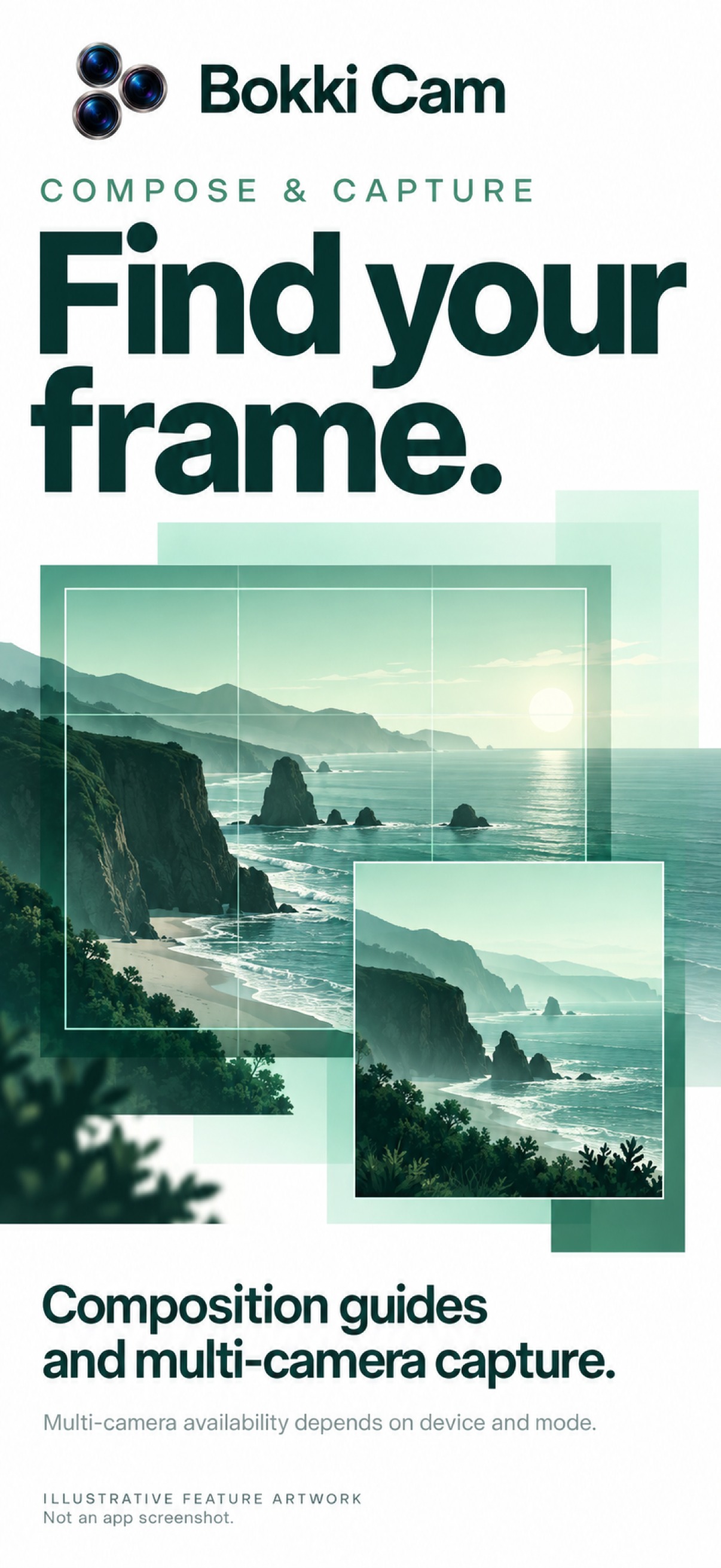
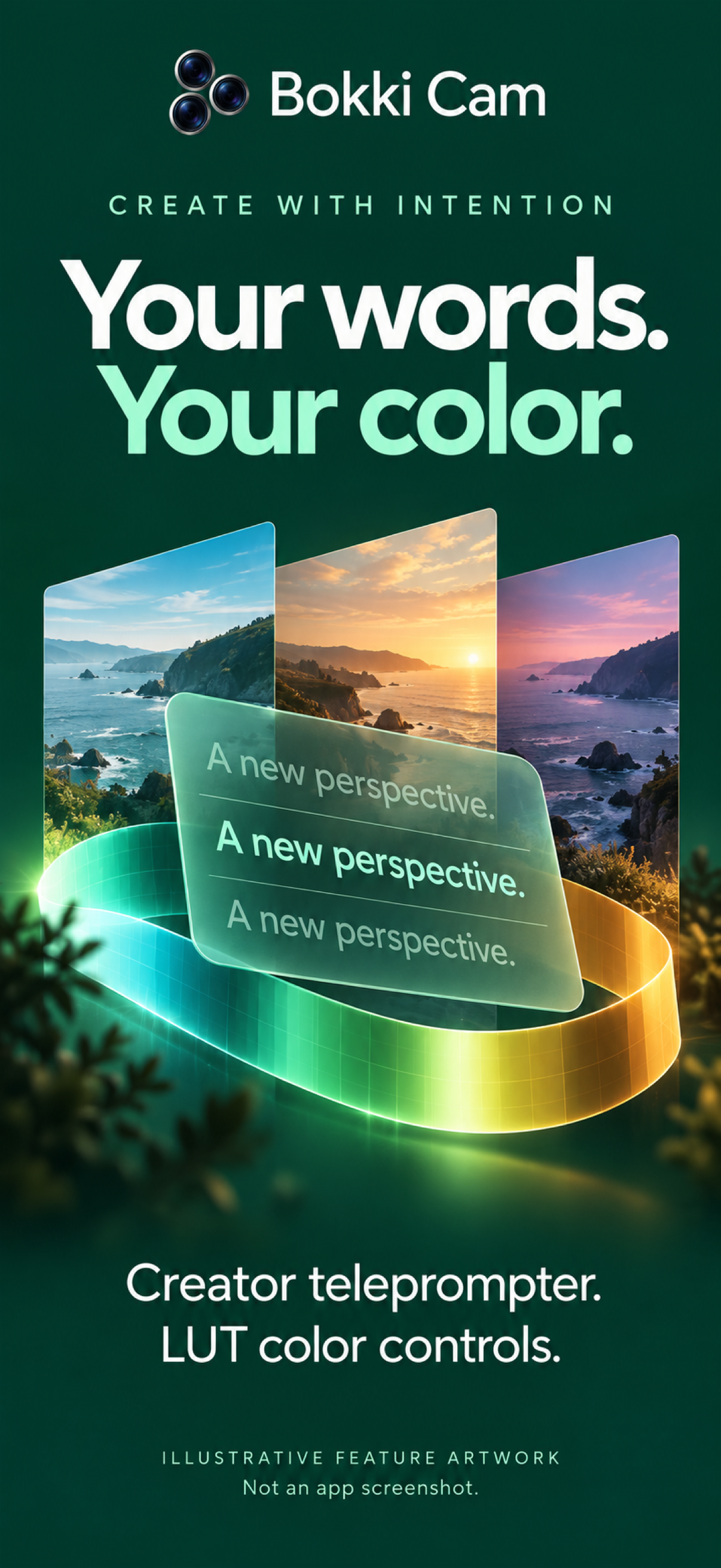
Illustrative feature artwork based on the submitted app. Camera support varies by device and mode.
MADE FOR YOUR WORKFLOW
Choose aspect ratios and composition guides before you capture. Use horizon-leveling tools to help compose your shot, with results and cropping depending on your device and capture mode.
Combine supported camera inputs in picture-in-picture and other multi-camera layouts. Available lens combinations, resolutions, and frame rates depend on hardware and mode.
Prepare your words in Creator mode. Display a teleprompter over the preview or in a separate area, and adjust overlay dimming to suit your presentation.
Choose supported lens, resolution, frame-rate, and audio options. Apply LUT color adjustments and use aperture controls where available. Physical aperture control and software depth-of-field effects depend on camera and mode.
Browse photos and videos in the in-app library and save captures to Photos. Optional HUD tools show location-based speed, heading, altitude, and motion information. Map display requires network access.
HOW IT WORKS
Select a capture mode and available camera configuration.
Set framing, color, audio, and optional teleprompter or HUD.
Record your video or take a photo.
Check your captures and save to Photos.
Camera features, combinations, resolutions, frame rates, and processing results vary by device and mode. Submitted to the App Store as YYY CAM; public download and launch pricing will be added after availability is confirmed.
THE PRODUCT STORY
Milestones from confirmed project records and release events.
Camera capture, image quality, and stability work appears in the project history.
Capture stabilization, durable saving, mode settings, and App Store materials are brought together.
Recording, previews, camera controls, and photo QR tools are refined.
Build 16 enters internal testing and is submitted to App Review.
BOKKI CAM
Under App Store review. For product and support questions, get in touch.
CONTACT BOKKIYAW