Start with your own files
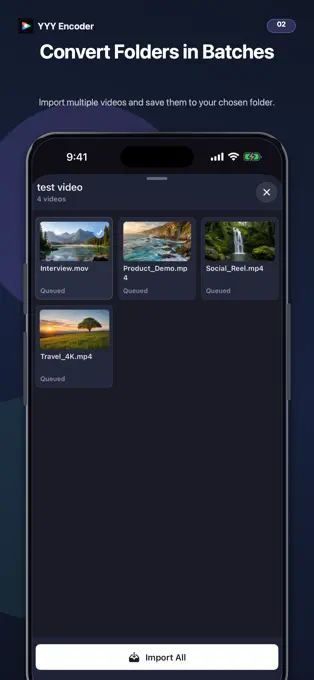
Choose videos from Photos or Files, or open a folder to convert multiple supported videos in sequence.
 Bokki Encoder
FOR CREATORS · MEDIA CONVERSION
Bring videos in from Photos, Files, or a folder. Convert supported videos to H.265 (HEVC), choose a resolution and target file size, and save the result as MP4 or MOV. Bokki Encoder runs video conversion on your device and gives you a practical workflow for storage and sharing.
Available on the App StoreCurrently Free · Free to download · Ad-supported
For iPhone and iPad · iOS / iPadOS 18 or later
Currently listed on the App Store as YYY Encoder · Version 1.1.9
FEATURE HIGHLIGHTS
Two features, in focus.
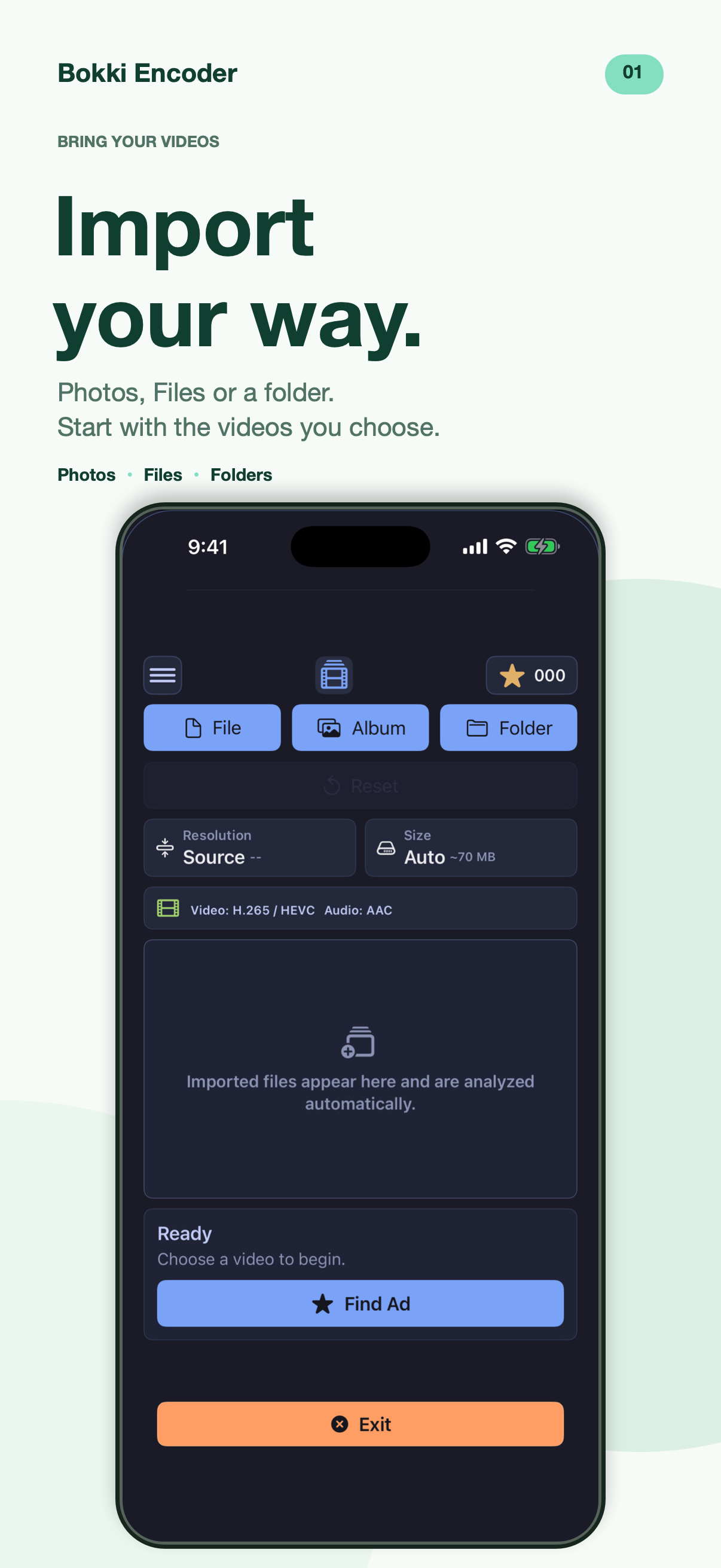
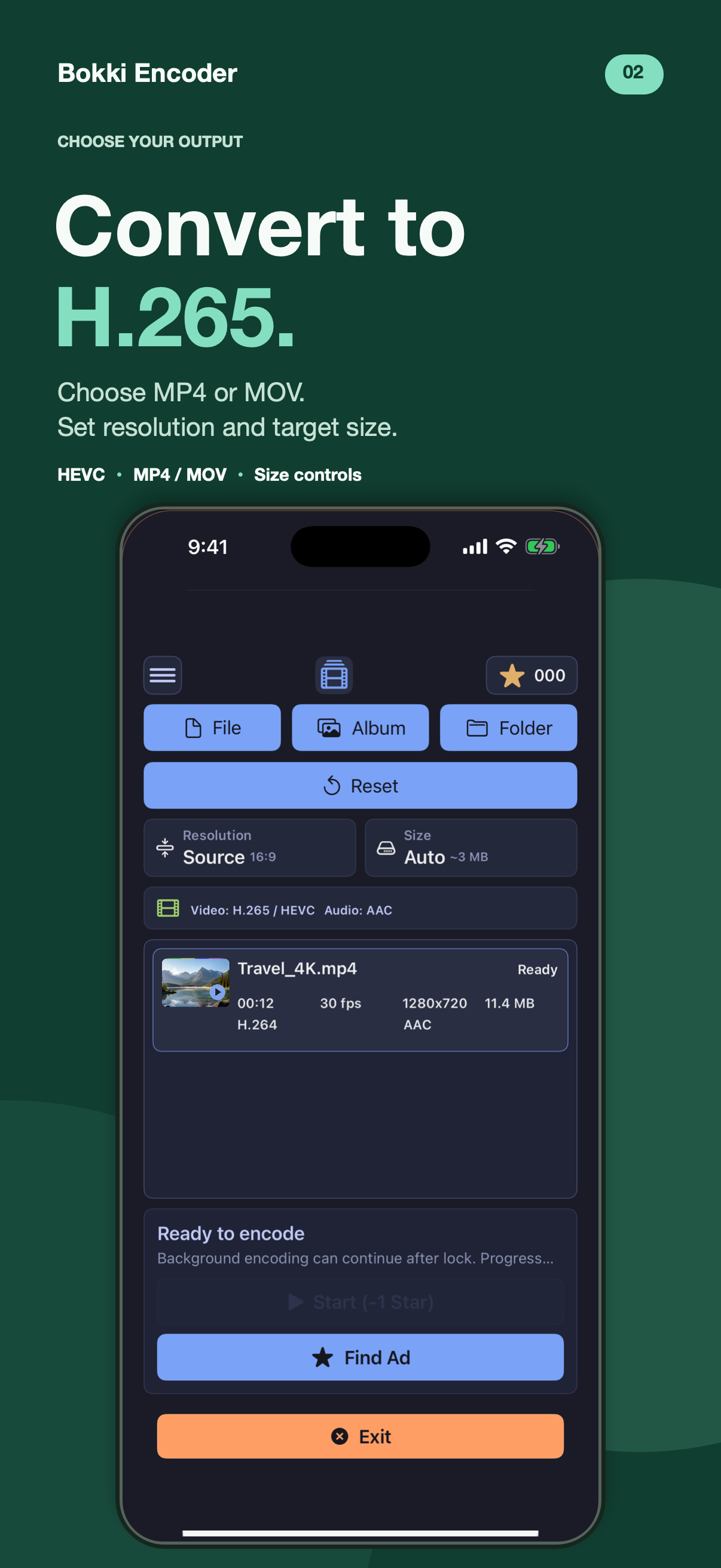
Marketing images using the public 1.1.9 app interface. Currently listed on the App Store as YYY Encoder.
THE RELEASED APP
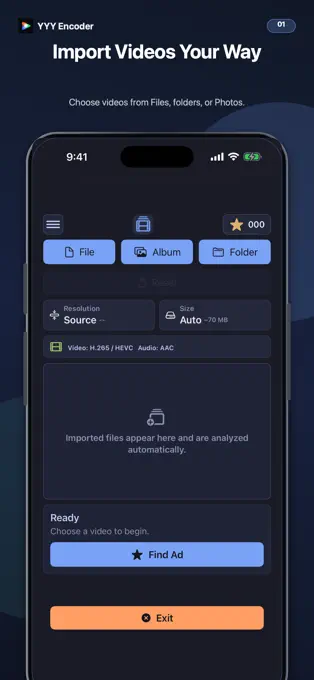
Actual screenshots from the released YYY Encoder app.
MADE FOR YOUR WORKFLOW
Choose videos from Photos or Files, or open a folder to convert multiple supported videos in sequence.
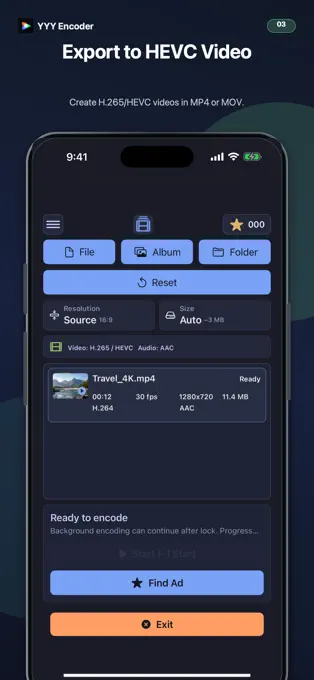
Convert supported videos to H.265 (HEVC) and choose MP4 or MOV as the output container.
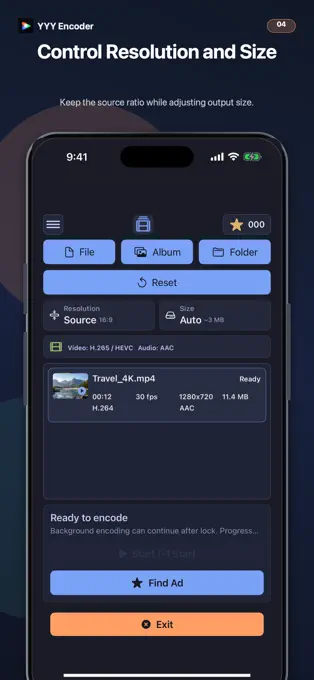
Keep the original resolution or choose an available resolution. Set a target file size for storage and sharing. Final size may vary.
Play and inspect a video before starting conversion.
Video processing runs on your device. Save the result to Photos or a selected folder.
HOW IT WORKS
Import from Photos, Files, or a folder.
Choose container, resolution, and target size.
Check the required Stars and begin processing.
Save to Photos or your selected folder.
Input support depends on codecs, device, and app version. Target file size is an estimate. Stars and reward amounts are shown in your installed app.
STARS & REWARDED ADS
The current app is free to download and ad-supported. Conversions use Stars, which can be earned through rewarded ads when available.
Use Find Ad, complete an available rewarded ad, and check your balance. The reward amount and required Stars are shown in the app. Ad availability can vary. The current release has no paid Stars purchase flow.
Get help with StarsAdvertising and privacyTHE PRODUCT STORY
Milestones from confirmed project records and release events.
The earliest project record contains the iPhone and iPad video encoder.
The video encoder reaches its first public App Store release.
Development introduces Stars earned through rewarded ads for conversion.
The current public version is released under the YYY Encoder name.
BOKKI ENCODER
Currently free to download for iPhone and iPad. Conversions use ad-earned Stars.
DOWNLOAD ON THE APP STORE