Color slate
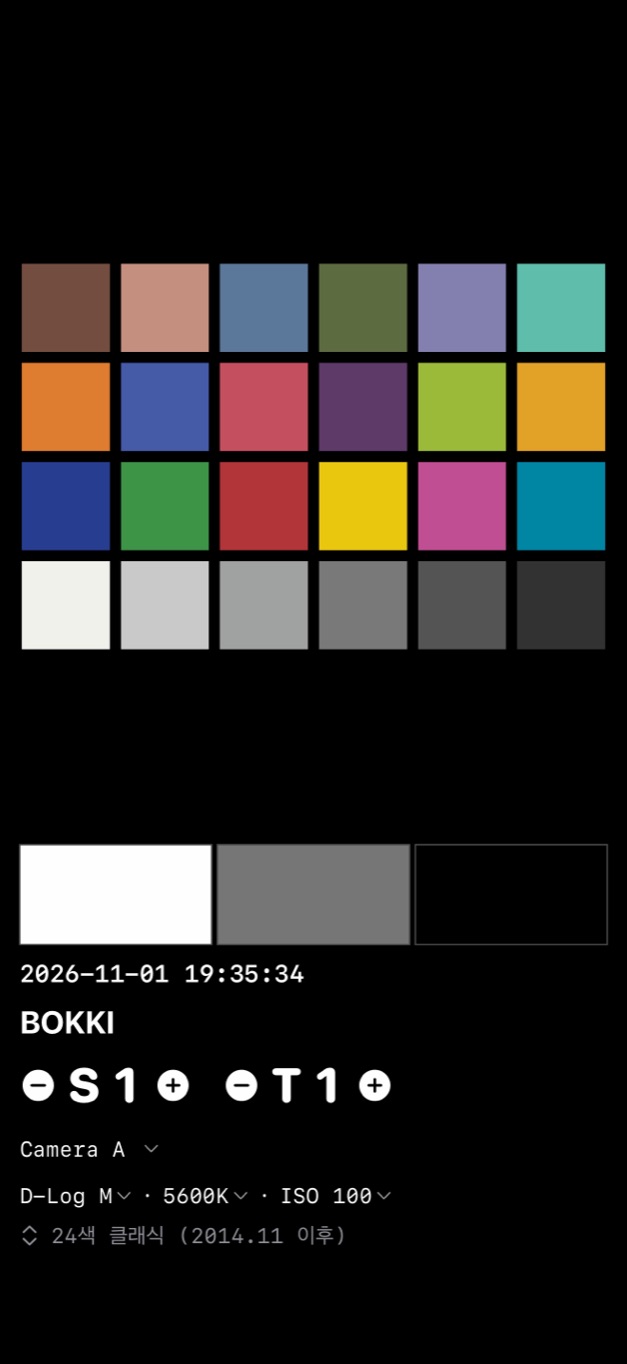
24 patches, white, gray and black, plus scene, take, camera, profile, white balance and ISO. Made for color matching in DaVinci Resolve.
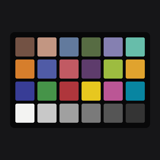 BOKKI Chart
FOR CREATORS · CAMERA COLOR
Put your iPhone or iPad in front of a camera to tune color, tone, white balance and sharpness, or shoot it as a slate before D-Log footage to match color later in the edit.
Coming to the App StoreFor iPhone and iPad · iOS / iPadOS 17 or later
Available in English and Korean
THE APP
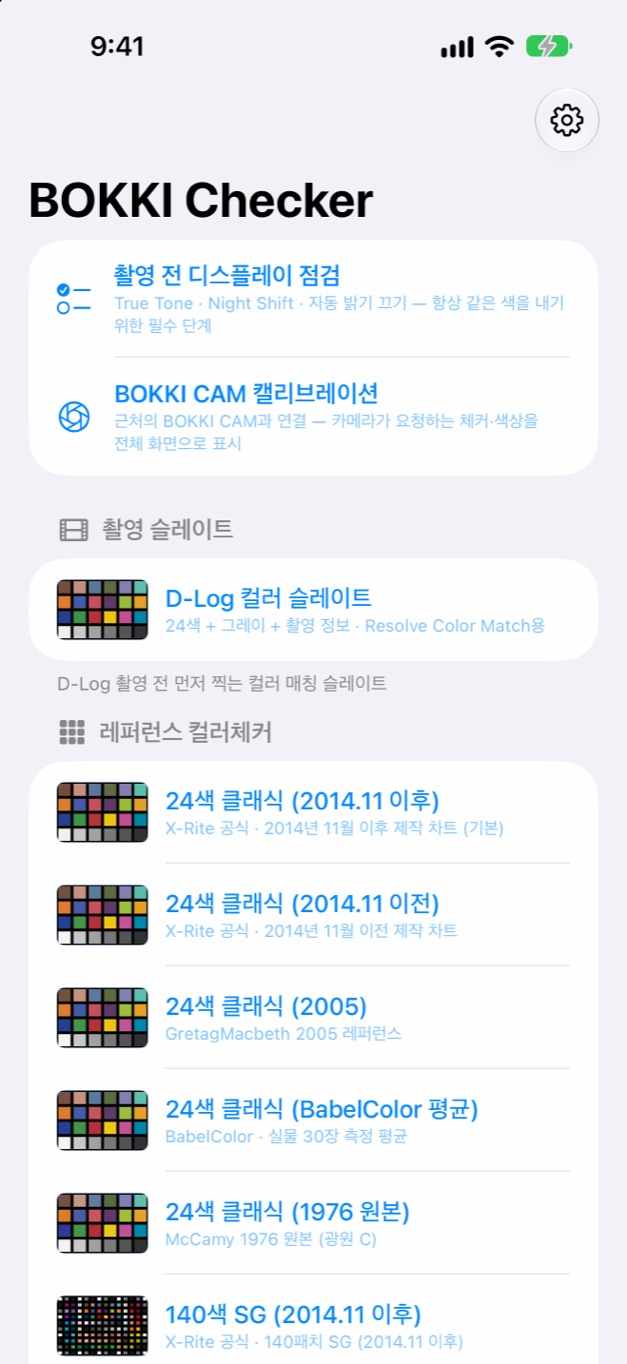
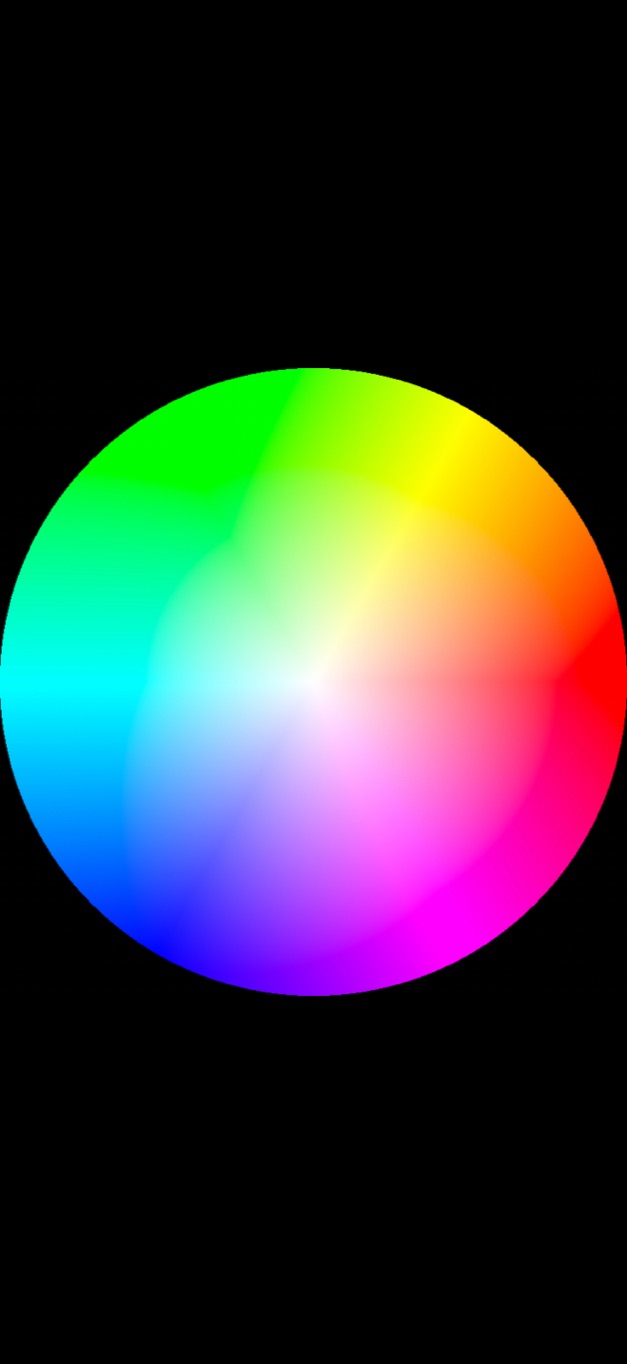
Actual screenshots from the app on iPhone.

MADE FOR YOUR WORKFLOW
24 patches, white, gray and black, plus scene, take, camera, profile, white balance and ISO. Made for color matching in DaVinci Resolve.
24-patch Classic in several data versions, 140-patch SG and 45-patch TE226-type layouts.
Steps, shadow and highlight detail, smooth ramps, 18% gray, and neutral fields at a range of color temperatures.
Skin tones, hue and saturation charts, a hue wheel and memory colors.
SMPTE-style, EBU and full color bars, Siemens star, slanted edge, line pairs, checkerboard and distortion grid.
Import CSV or CGATS files, or adjust patches and save your own.
HOW IT WORKS
Check True Tone, Night Shift, auto-brightness and other settings that change color.
Brightness locks and the chart fills the screen.
Point your camera at the screen, or shoot the slate before your footage.
Use the per-patch values, or match color later in your edit.
A screen is not a printed card. Results depend on the display and on room light, so use them to compare and tune rather than as a laboratory measurement.
COLOR ACCURACY
Colors are calculated from published reference data and converted for Display P3 or sRGB, so the same chart shows the same values every time.
Reference data comes from X-Rite (2016), BabelColor and the Image Engineering TE226 V2 data sheet, through the colour-science project. Values marked as defined by BOKKI in the app are app-defined and are not published standards.
With the BOKKI CAM link, pair with a QR code and let BOKKI CAM show the charts and full-screen colors it needs for calibration.
ColorChecker is a trademark of its owner. BOKKI Chart is not affiliated with or endorsed by X-Rite or Calibrite.
Full list of data sources