Bokkiyaw — independent app studio Est. 2026 · Apple platforms

No uploads.
No queues.
Just silicon.

Eight Apple-first apps on native pipelines. Speech, HEVC encoding and capture run entirely on iPhone and iPad.
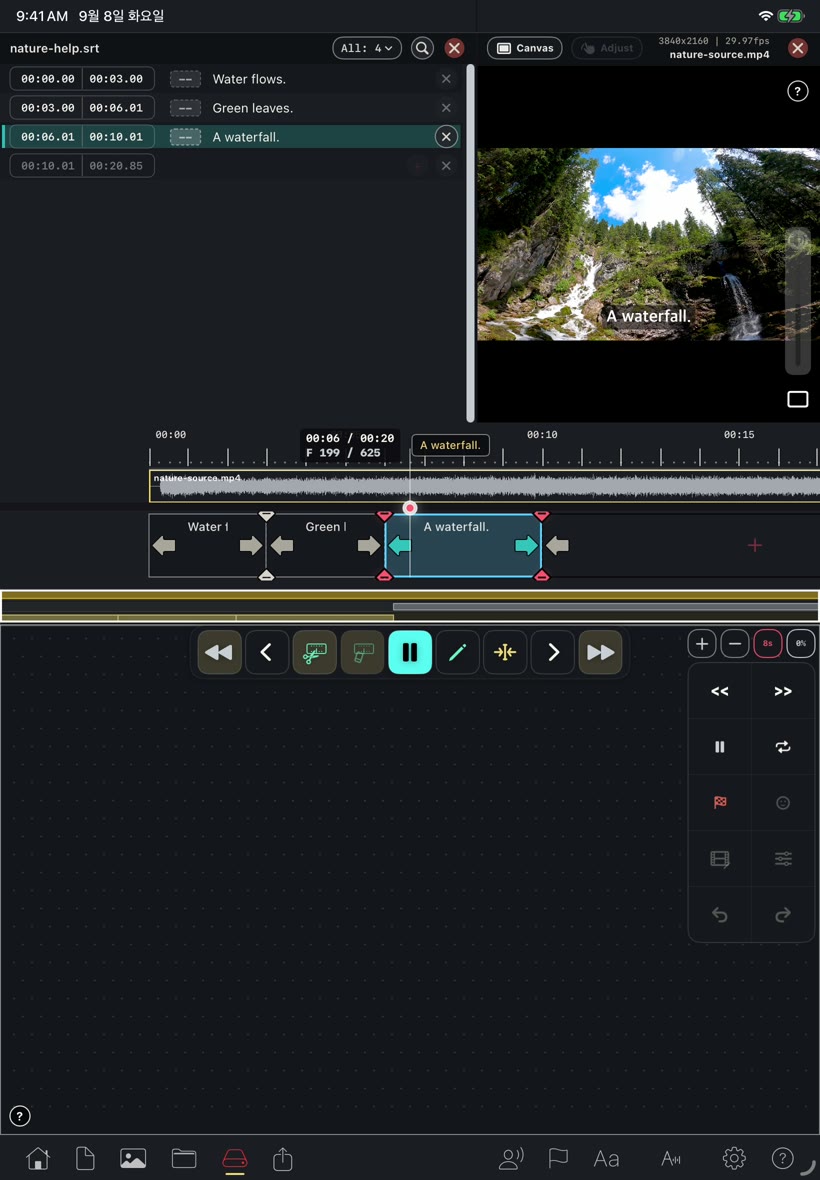
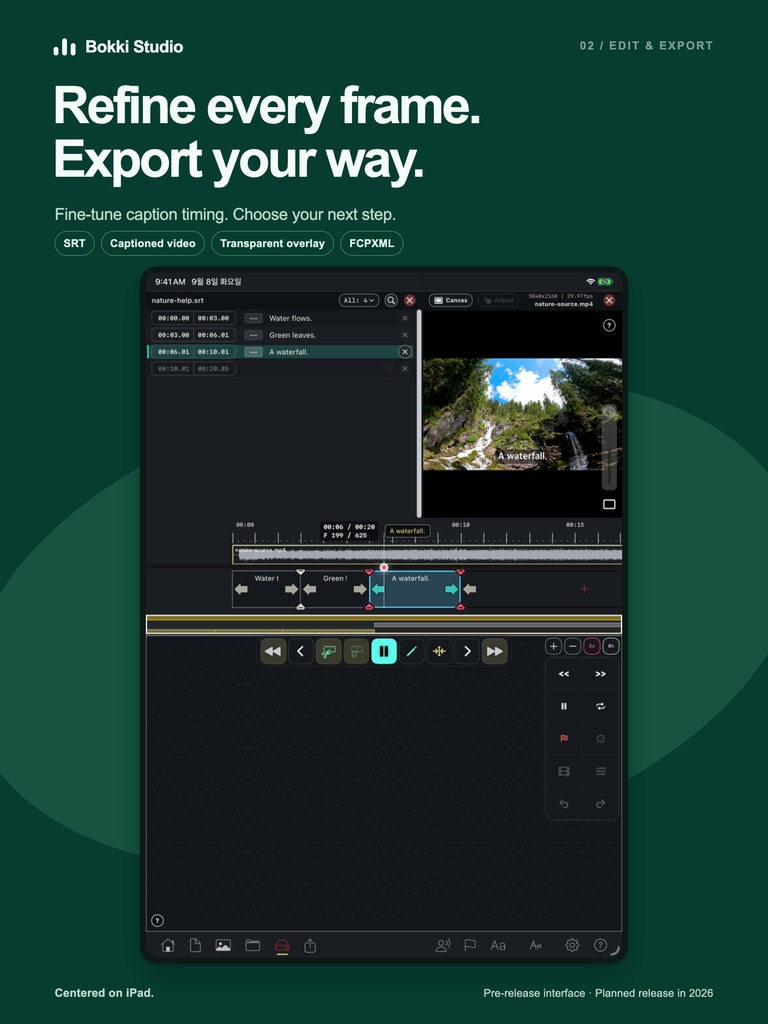
FINALiER workspace on iPad showing a video timeline with captions
  • 08 products
  • 01 on the App Store
  • 0 bytes uploaded
  • iPad + iPhone native

01 / Pipeline

One engine.
Eight products.

Every product shares one principle: media stays on the device, and Apple’s frameworks do the work. Nothing is uploaded, queued or proxied.

CoreAVFoundation capture, VideoToolbox HEVC, Speech recognition, Core ML
EdgeNo server round-trip. No queue, no upload limit, no copy of your footage anywhere else
FlowImport → Analyse → Process → Export, in a single pass
ON-DEVICE NO NETWORK 01 CAPTURE camera · files 02 ANALYSE speech · motion 03 PROCESS HEVC · styling 04 EXPORT MP4 · SRT A12+ / M-series SHARED FOUNDATION iOS 17+
  1. 01Capturecamera · files
  2. 02Analysespeech · motion
  3. 03ProcessHEVC · styling
  4. 04ExportMP4 · SRT

Pipeline shared across all eight products0 upload steps

Built onSwiftUIAVFoundationVideoToolboxCore MLSpeechMetalCoreLocationHealthKitMapKitStoreKit 2

01Creators · Caption pipelineIn development · 2026

FINALiER

Spoken footage in. Styled captions out. A native iPad workspace that never leaves the device.
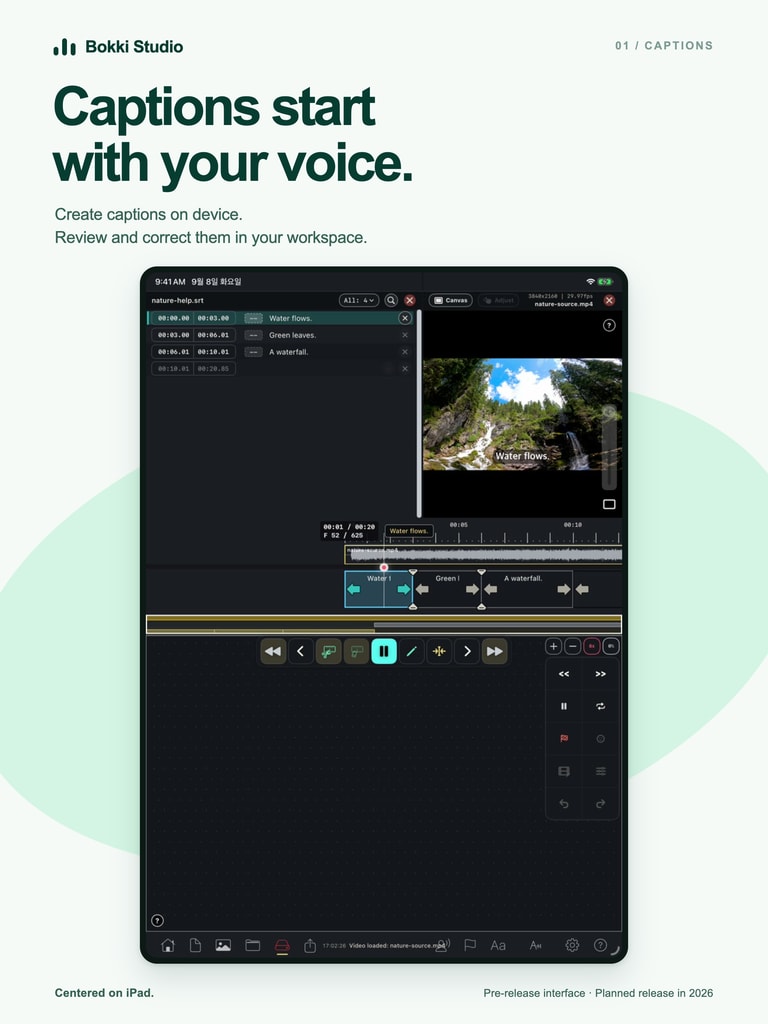
CoreOn-device speech recognition with speaker analysis — no cloud transcription
EdgeFrame-accurate timing plus SRT, captioned video, transparent overlay and FCPXML from one timeline
FlowImport → Transcribe → Time → Export
Product page
FINALiER generating captions on iPad
FINALiER timing and export controls
02Creators · Media conversionApp Store · 1.1.14

Bokki Encoder

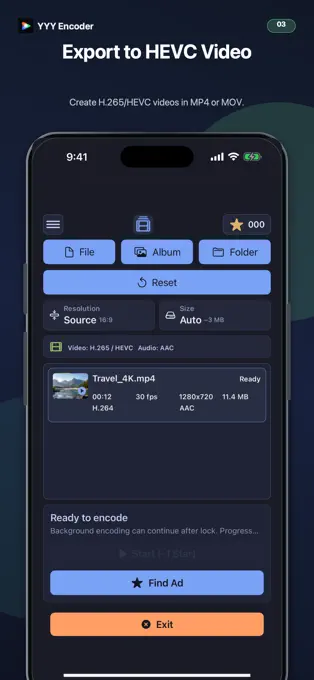
H.265 conversion with a target file size you actually choose. Hardware-encoded, on device.
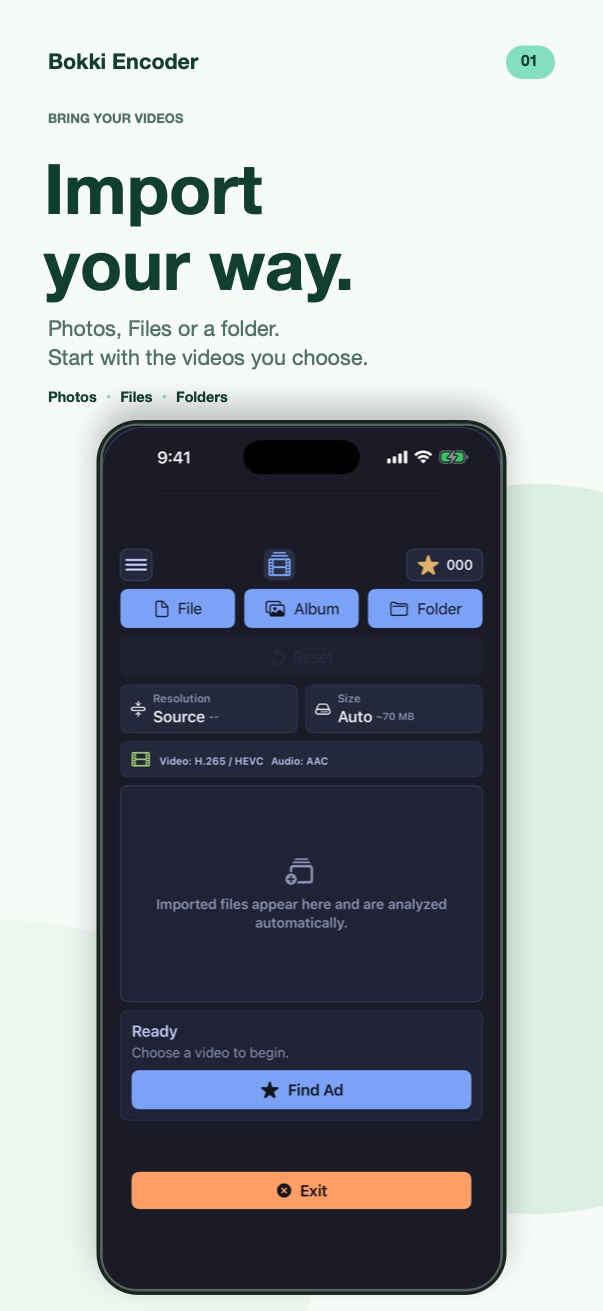
CoreVideoToolbox HEVC encoding on the Apple media engine
EdgeSet resolution and target size, convert in batches, output MP4 or MOV
FlowPick files → Set target → Encode → Save
Product page
Bokki Encoder import screen
Bokki Encoder export settings
03Creators · Video editingComing to the App Store

BOKKI Editor

Cut and join iPhone videos without re-encoding what it does not have to. Each result is checked before it is saved as a new video.
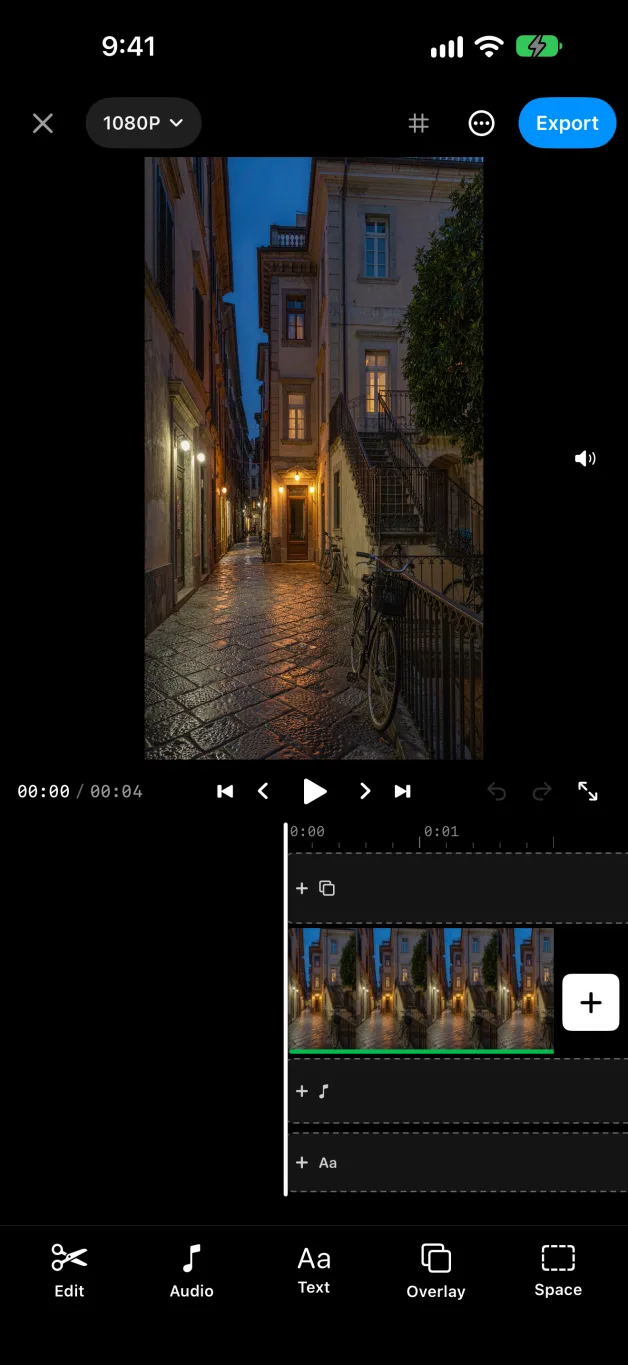
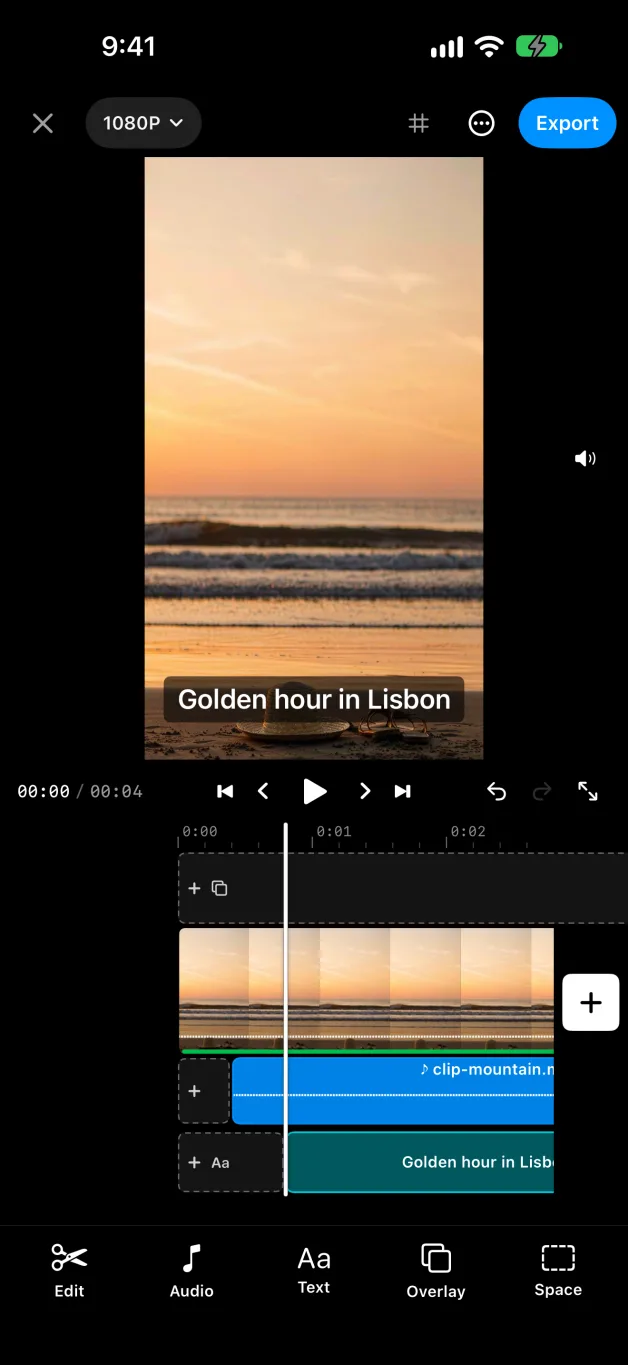
CorePlain cuts are copied; only the first moment of a cut that starts between key frames is re-encoded
EdgeCopied parts are checked against the original; layers, subtitles and speed curves in one timeline
FlowAdd videos → Cut → Adjust → Export
Product page
BOKKI Editor with a video on the timeline, a preview and Export button
BOKKI Editor timeline with a sound layer and a subtitle over the preview
04Creators · CaptureComing to the App Store

BOKKI CAM

Composition guides, multi-camera layouts and LUT grading in one viewfinder.
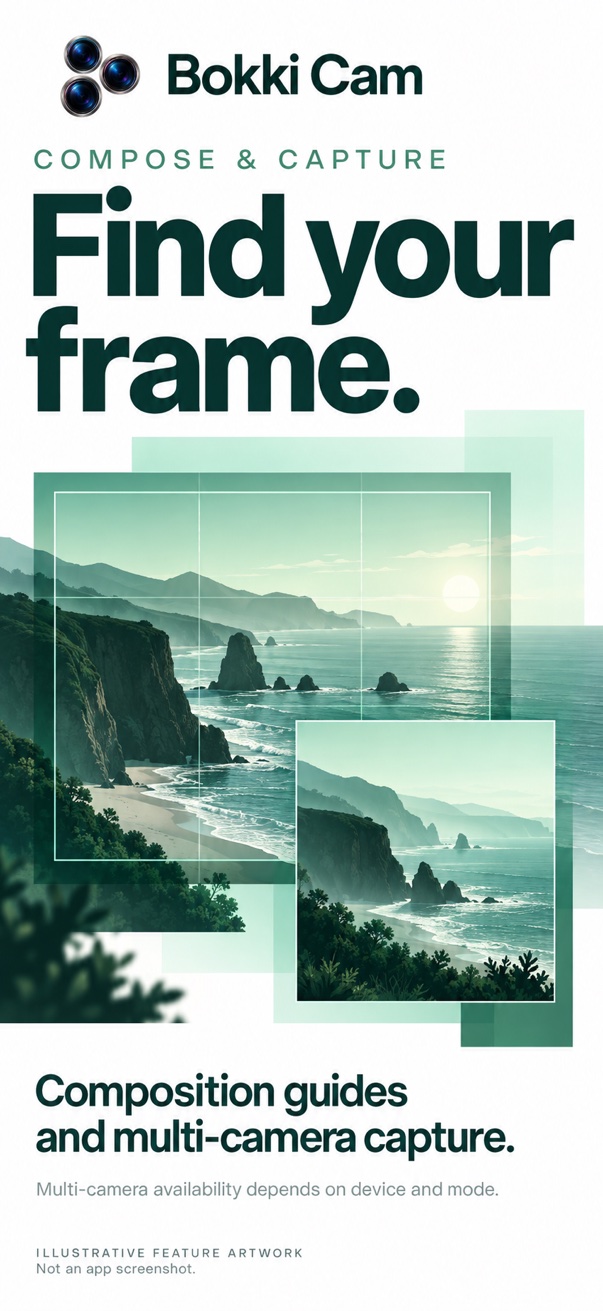
CoreAVFoundation multi-cam with composition guides and horizon leveling
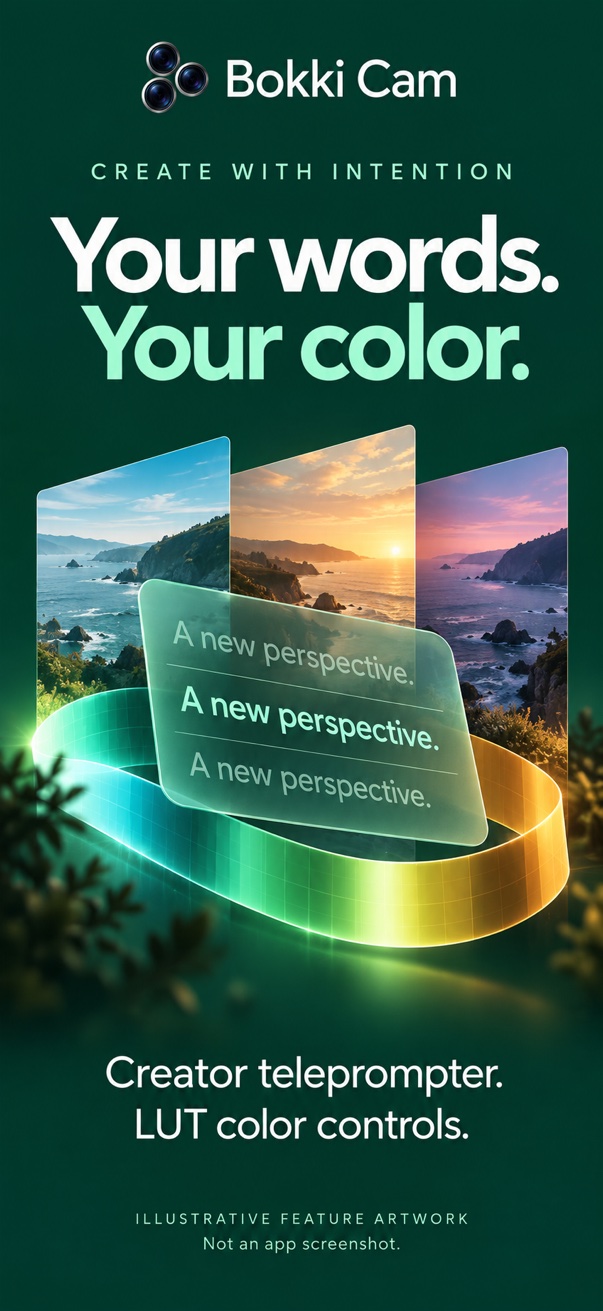
EdgeTeleprompter overlay with dimming, plus LUT colour control — without leaving the camera
CalibrationScan BOKKI Chart’s QR code to calibrate color on device
FlowFrame → Capture → Grade
Product page
BOKKI CAM viewfinder with composition guides
BOKKI CAM teleprompter and colour controls
05Everyday · Movement logPlanned 2026

Bokki Plan

Location and motion data turned into a day you can replay, place by place.
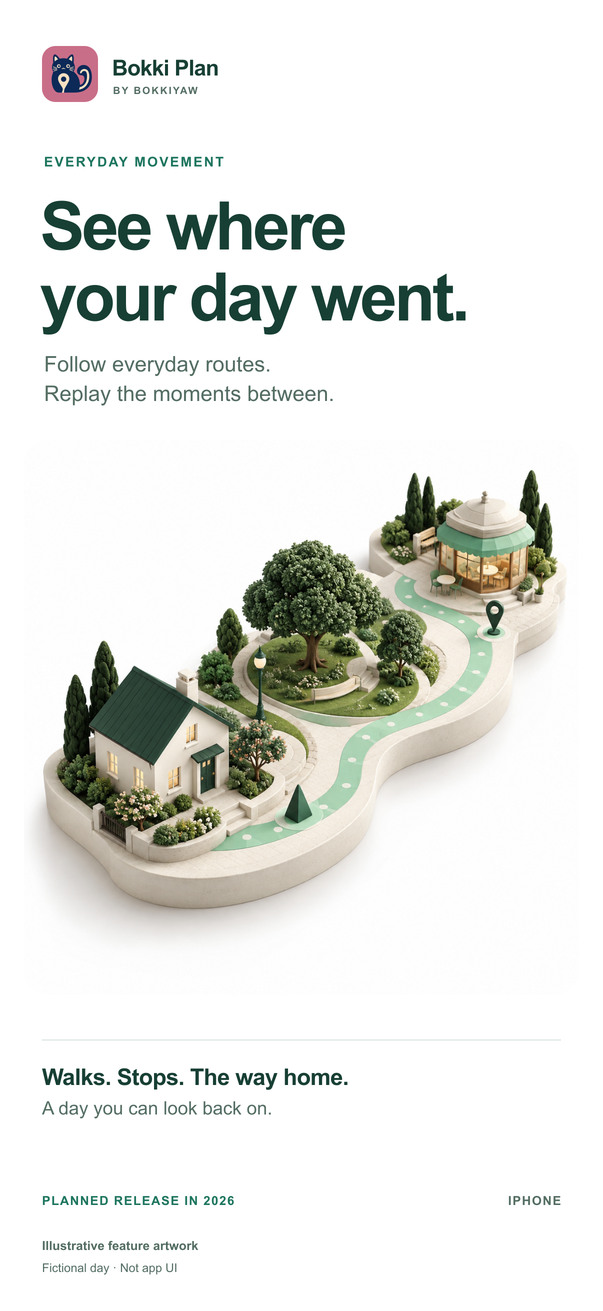
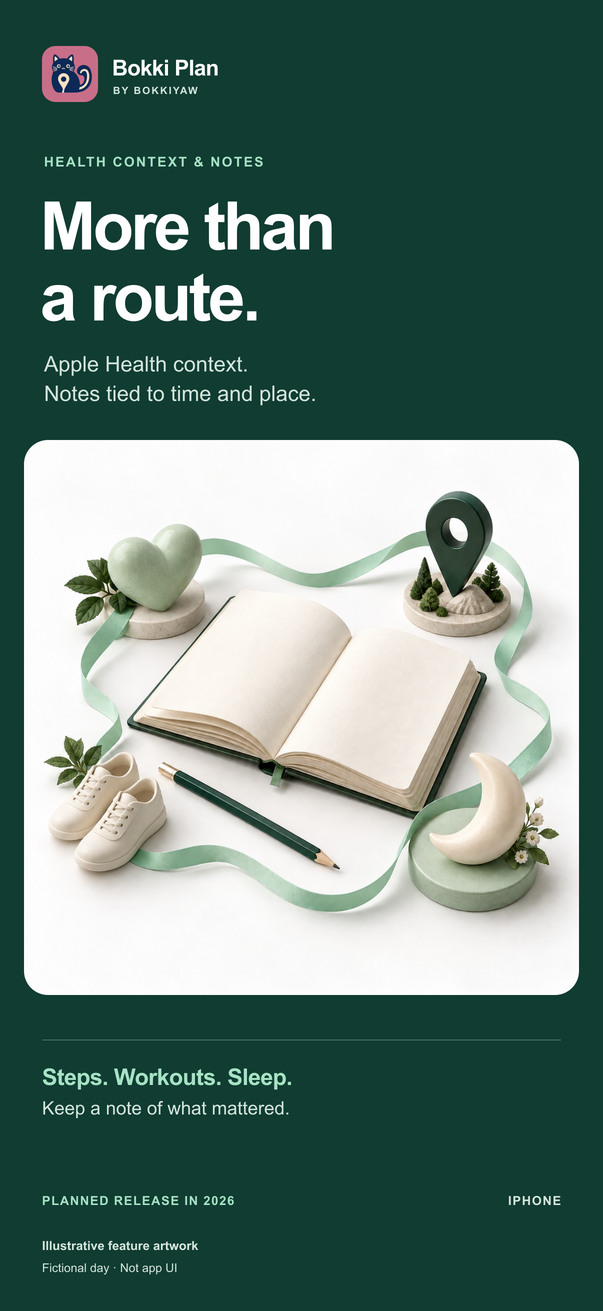
CoreCoreLocation and motion activity, joined to HealthKit records
EdgeMap, timeline and notes tied to a place and time — recorded and stored locally
FlowRecord → Replay → Annotate
Product page
Bokki Plan daily map and timeline
Bokki Plan activity detail with Health context
06Everyday · Travel logPlanned 2026

Bokki Trip

Routes, days and shared costs recorded in one place — and settled without a spreadsheet.
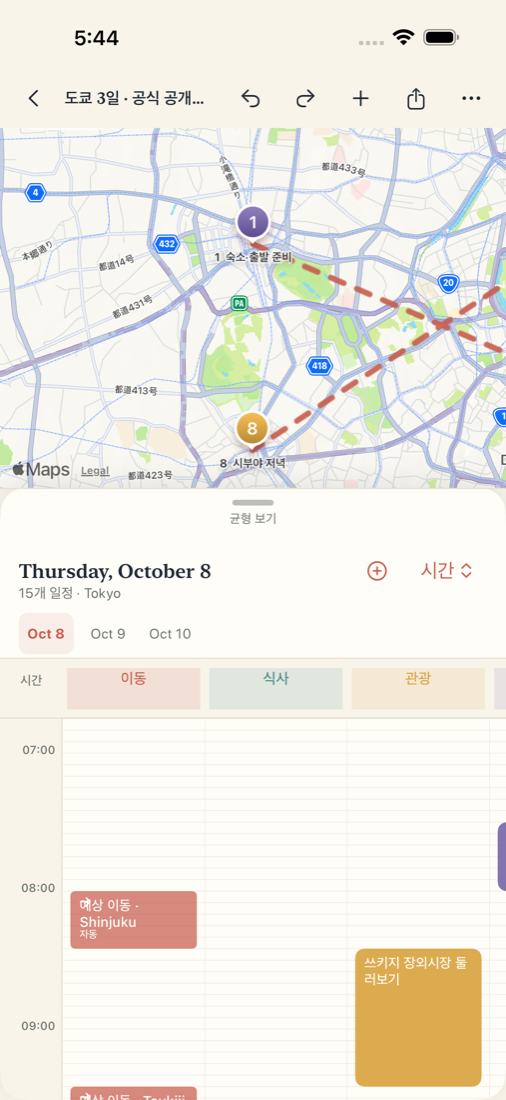
CoreMapKit routes with a day-by-day itinerary and an expense ledger
EdgeSplit costs across travellers and see who pays whom in one settlement
FlowRecord → Organise → Settle
Product page
Bokki Trip route map with daily itinerary
Bokki Trip shared expense settlement
07Creators · Color tuningComing to the App Store

BOKKI Chart

Turn your iPhone or iPad into a color chart for tuning camera color. Calibrate BOKKI CAM directly from it with a QR code.
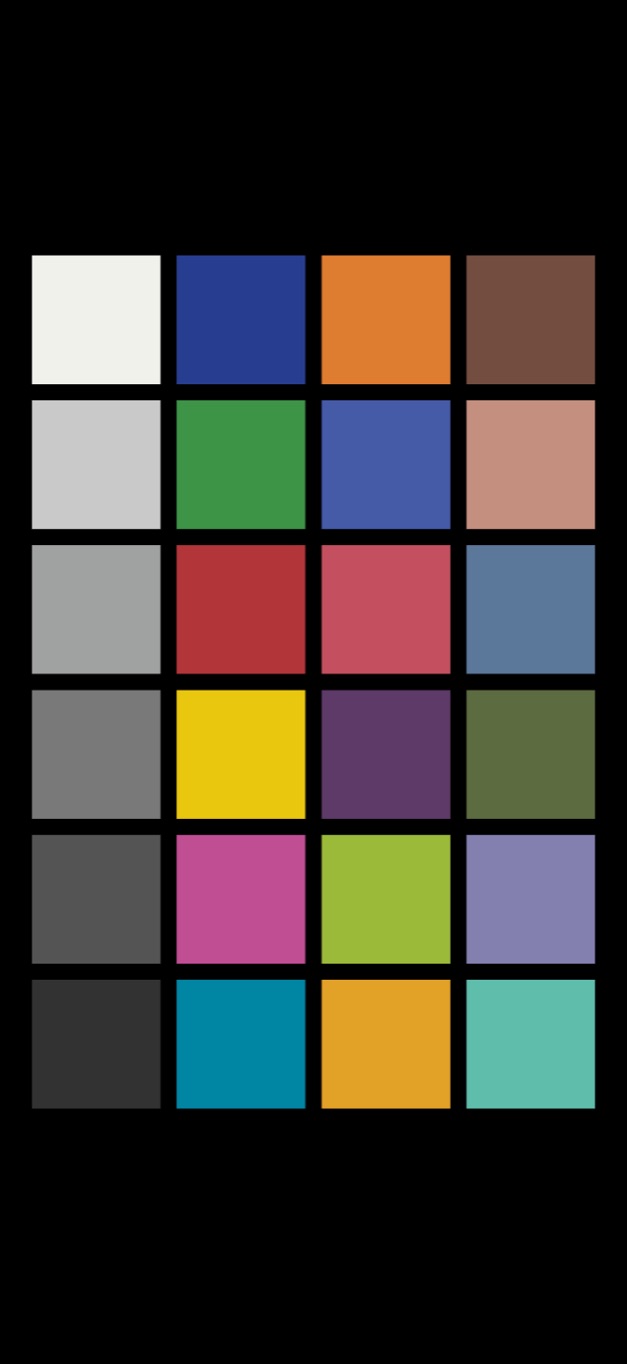
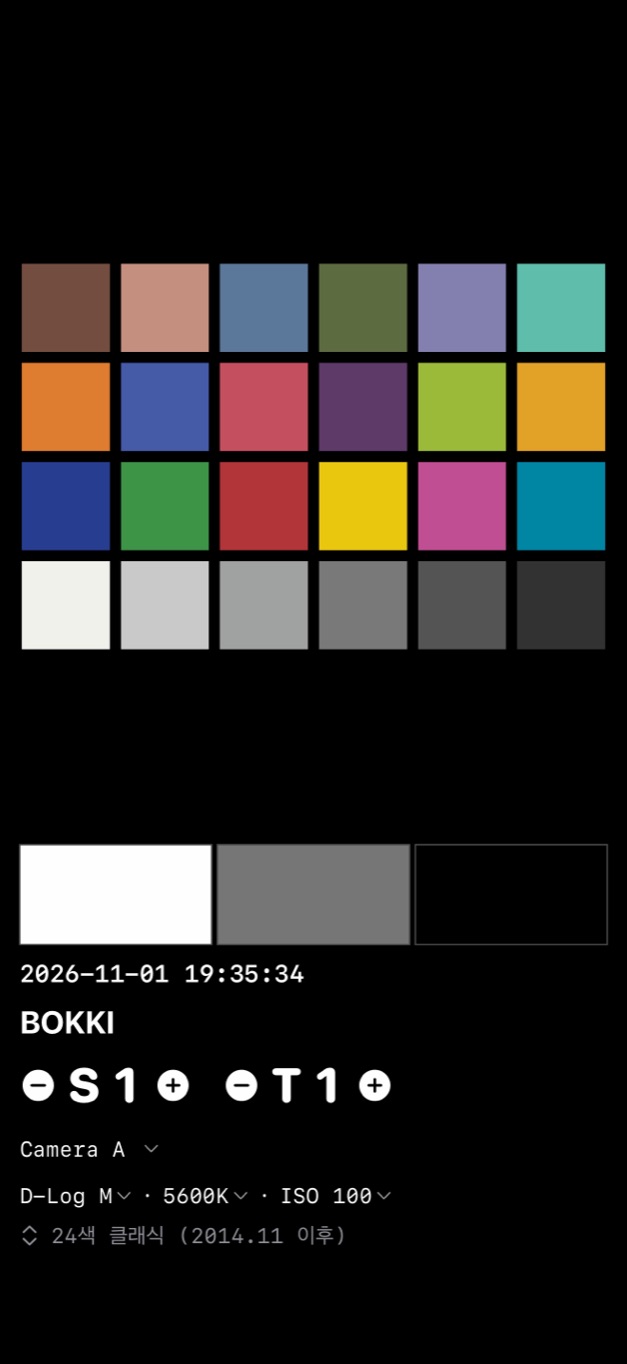
CorePublished reference data, calculated for Display P3 or sRGB
EdgeBOKKI CAM calibration support: scan the QR code, and BOKKI CAM shows the charts it needs
FlowCheck display → Open chart → Shoot → Compare
Product page
BOKKI Chart 24-patch color chart
BOKKI Chart color slate
08Creators · Color and lookComing to the App Store

BOKKI Filter

Give your photos and videos the color of a city, from the same looks as BOKKI CAM.
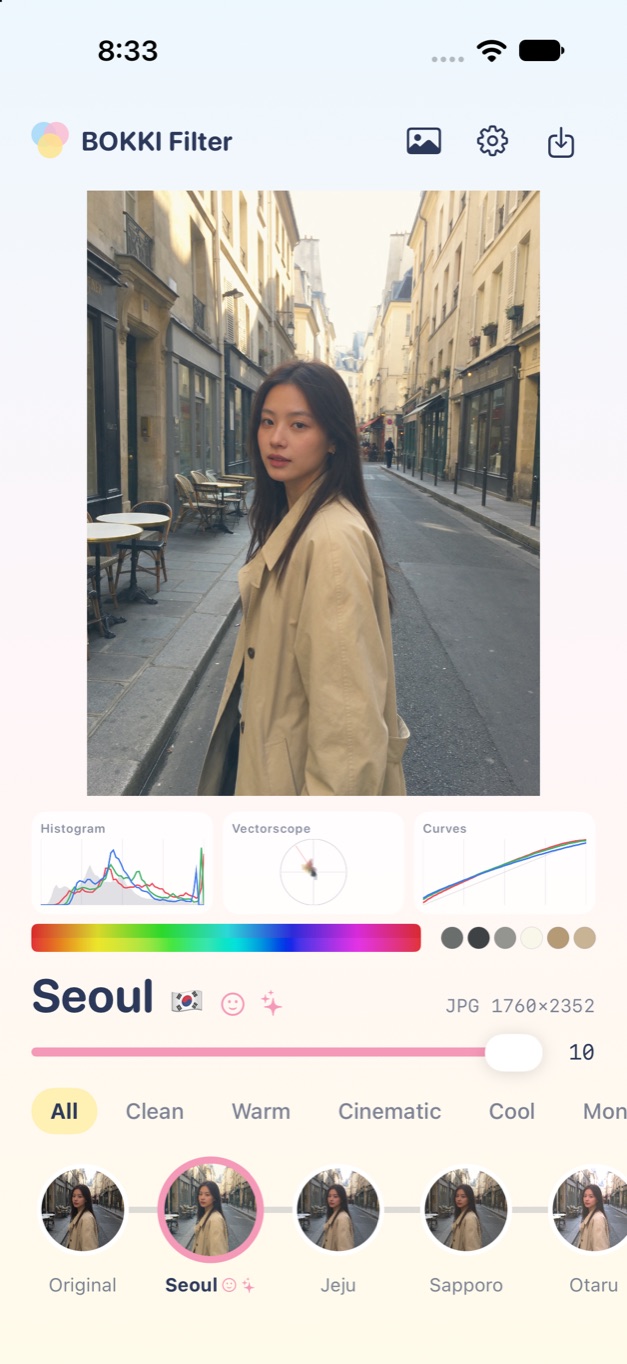
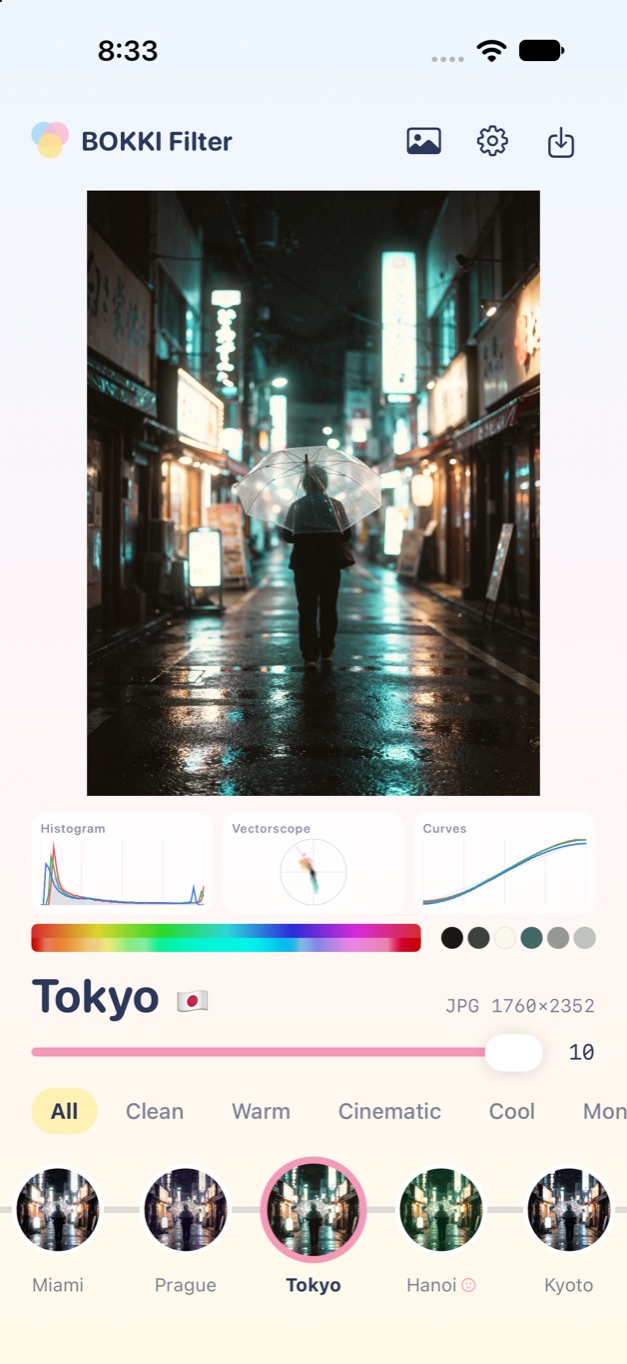
Core53 city looks with strength from 0 to 10, and a before and after line to compare
EdgeWhole albums or days in one go, with Match colors and BOKKI Chart color correction
FlowChoose → Pick a look → Correct, if you like → Save
Product page
A street portrait with the Seoul look, with histogram, vectorscope and curves
A rainy night alley with the Tokyo look

02 / Comparison

On-device vs.
the usual way.

Cloud editors trade latency, file limits and privacy for convenience. Bokkiyaw takes the other route: the work happens on the hardware in your hands.

DimensionBokkiyawCloud editor
ProcessingOn deviceRemote server
UploadNoneFull file
Size limitDevice storagePlan-dependent
OfflineWorksNot available
Third-party copyNever createdStored remotely

03 / Studio

An independent studio, building since 2026.

0Products in the family
0On the App Store
0Bytes uploaded
2026Studio established

Get in touch

Build on the device.

Press, partnership and investor enquiries — every message reaches the studio directly.

[email protected]